Thank you! Your eBook is on its way.
Your purchase is confirmed. We’ve emailed you a copy of your EduGuide eBook, and you can download it instantly below.
Didn’t get the email? Check your spam folder or promotions tab, then add us to your contacts so you never miss an update.
Order summary
EduGuide eBook Access
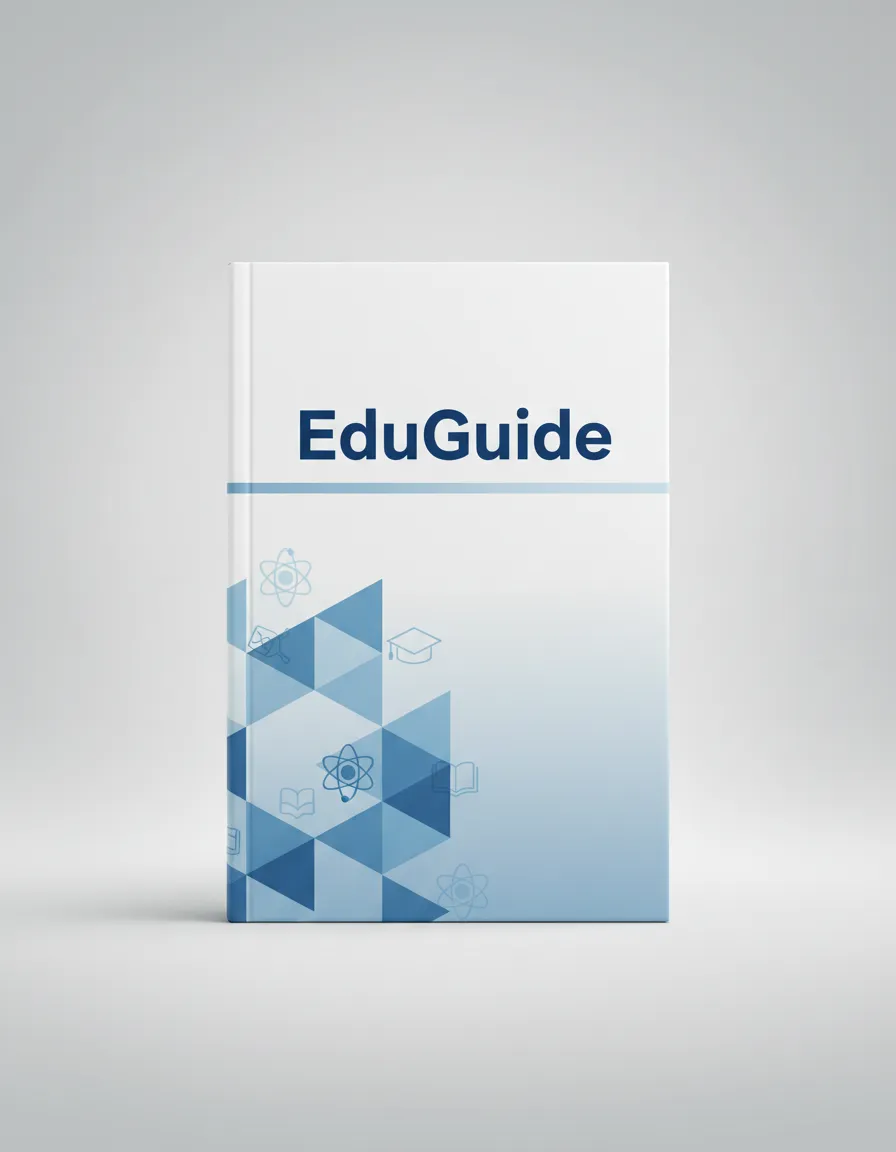
You now have lifetime access to the full digital guide, including all worksheets and bonus resources.
What you’ll receive:
• Instant PDF download
• Ongoing updates via email
• Access to bonus study templates
How to access your eBook in 3 simple steps
Follow these quick steps to start reading and put your new insights into action today.
1. Download your file
Click the “Download your eBook” button above to save the PDF to your device. Choose a folder you’ll remember.
2. Open on any device
Use your preferred reader (Preview, Adobe, or a mobile PDF app). You can access the guide on desktop, tablet, or phone.
3. Save your progress
Use the built-in worksheets and notes pages. We recommend keeping a dedicated folder or notebook for your EduGuide materials.
Unlock your bonus study tools
As a new EduGuide reader, you also get access to a set of simple templates to help you apply what you’re learning faster.
- Printable planning worksheets
- Weekly reflection checklist
- Progress tracker you can reuse
- Email tips that build on each chapter
“First 7 Days” implementation plan
Don’t just read the guide—use it. This short plan shows you exactly what to focus on during your first week so you can see quick wins and stay motivated.
Questions about your purchase?
Here are quick answers to the most common questions about accessing and using your new EduGuide eBook.
I can’t find the email with my eBook. What should I do?
First, check your spam, junk, or promotions folders for an email from us. If it’s there, move it to your primary inbox and add our email address to your contacts. You can also use the “Open in my inbox” button above to go directly to your email provider. If you still don’t see it, contact support and we’ll resend your link.
Can I read the eBook on my phone or tablet?
Yes. The EduGuide eBook is delivered as a standard PDF file, which works on phones, tablets, and computers. Use any PDF reader app (like Apple Books, Google Drive, or Adobe Acrobat) to open it on your preferred device.
Is there a time limit on my access?
No. Your purchase includes lifetime access to the current version of the eBook. We’ll also email you if we release important updates or new editions so you can stay up to date.
Can I print the eBook or worksheets?
Absolutely. You are welcome to print a copy for your personal use, including any checklists or worksheets. We recommend printing the exercises so you can write on them easily.
Need personal help?
Our support team is here to make sure you can access and use your eBook without any friction.
Email: [email protected]
Response time: within 1 business day
Tip: When you write in, include the email address you used at checkout so we can find your order quickly.